
ReimeiTech
REIMEITECH.
AI & Automation · Service 07 of 09

AI Reporting Systems
That Turn Business Data
Into Clear Insights.

ReimeiTech builds AI-powered reporting systems that collect data, generate summaries, detect trends, explain changes, and deliver automated reports to your team, clients, or leadership.

Not "another dashboard." A complete reporting stack — data collection + metric calculation + AI summary + anomaly alerts + scheduled delivery — designed around the decisions you actually make.

Automated ReportsAI SummariesBusiness DashboardsTrend DetectionScheduled EmailsData InsightsExecutive Reporting
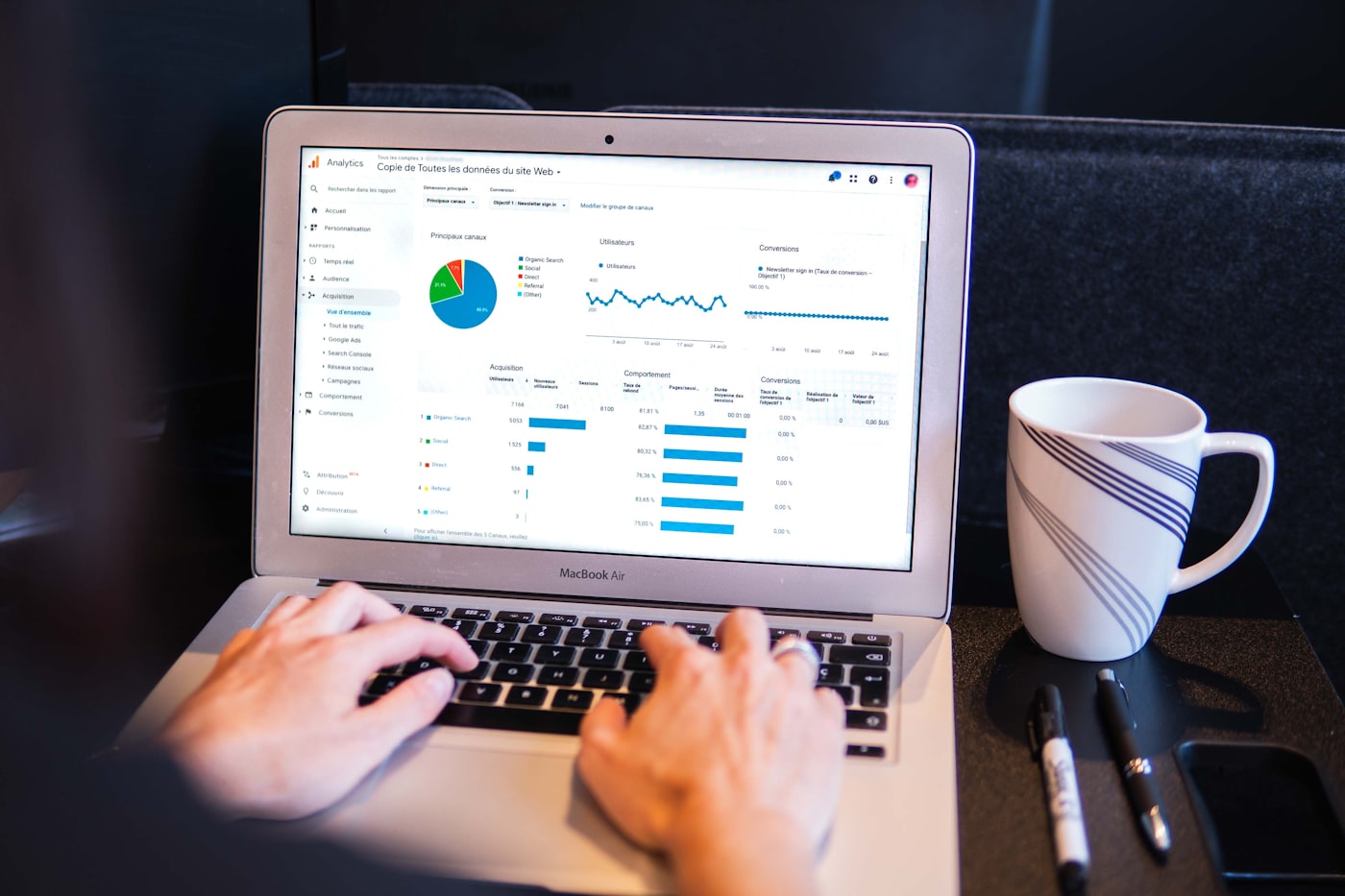
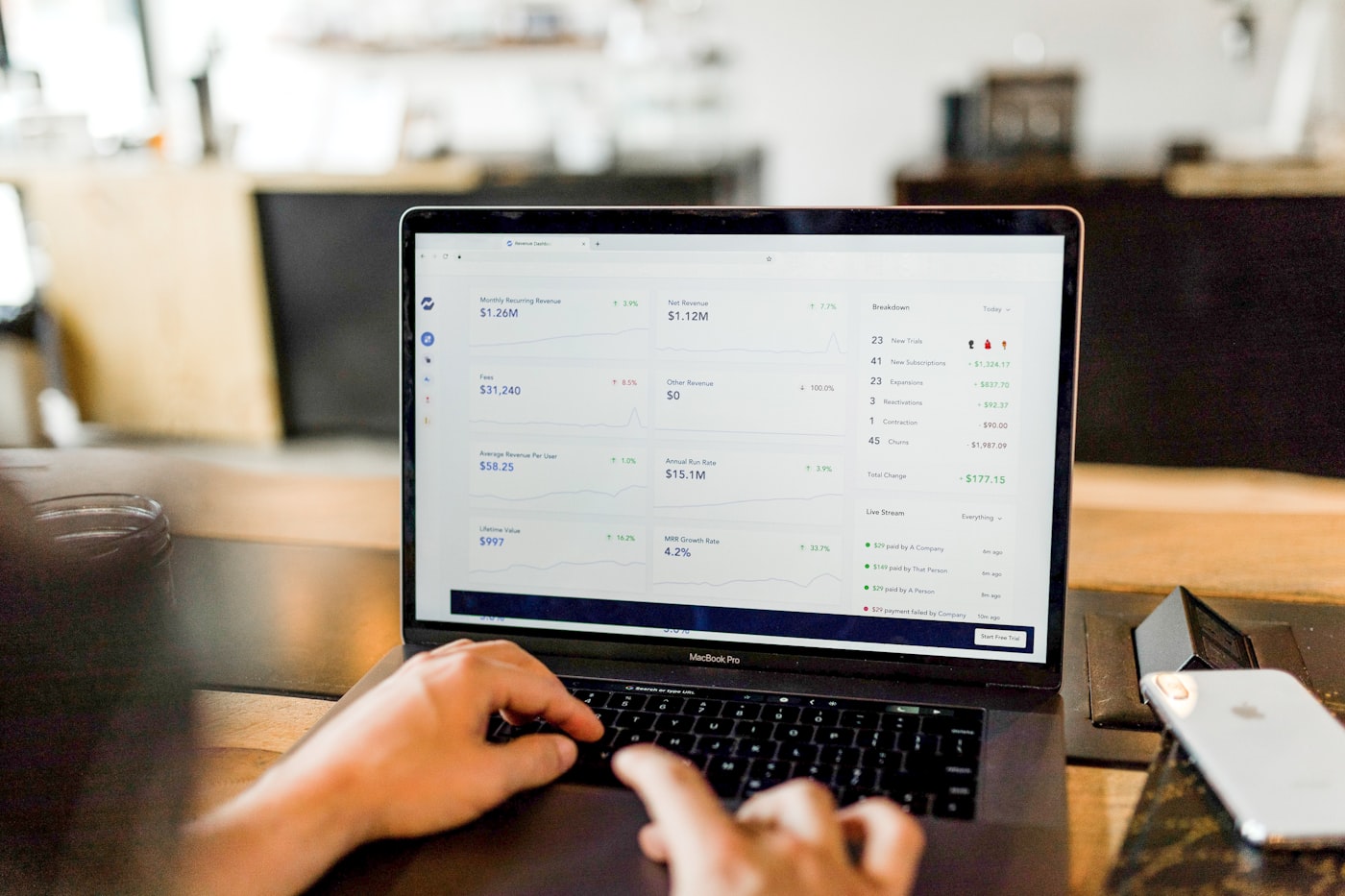
Reporting dashboard
weekly-report.runner
scheduled · monday 8am
Business Data
CRM · DB · APIs · Sheets
AI Analysis
Summarize · Explain · Detect
Summary + Dashboard
With cited sources
Scheduled Report
Email · Slack · PDF · Teams
02Definition

What Is an AI Reporting System?

An AI reporting system is a software system that collects data from business tools, databases, spreadsheets, CRMs, APIs, or documents, then uses AI to summarize what happened, explain important changes, and generate reports automatically.

Instead of manually exporting data, checking spreadsheets, writing summaries, and sending updates, your team receives clear reports with key metrics, trends, explanations, and recommended next steps.

The painful baseline

Manual Reporting

  • Export data from each tool
  • Clean spreadsheets
  • Check numbers by hand
  • Write a summary
  • Send a report

Slow, repetitive, error-prone, and impossible to scale to weekly cadence across many teams or clients.

What we build

AI Reporting System

  • Collect data automatically
  • Analyze changes
  • Generate AI summary
  • Create dashboard
  • Send on schedule
  • Alert on anomalies
  • Archive history
  • Track every delivery

A complete reporting stack — running every Monday morning before anyone arrives at the office.

03The Problem

When Reporting Takes Too Much Time.

AI reporting systems reduce manual reporting work and help teams understand what changed, why it matters, and what to do next — without anyone copy-pasting from a CRM into a spreadsheet again.

Stack of printed reports

"We have the data. We just don't have time to read it."— every manager, every Monday morning.

Reports are created manually every week
Data is spread across different tools
Managers cannot quickly understand what changed
Teams spend time copying numbers into spreadsheets
Client reports take too long to prepare
Dashboards show numbers but no explanation
Important changes are missed
Leadership waits too long for updates
Reports are inconsistent between teams
No one has time to analyze the data deeply
04What we build

AI Reporting Systems We Build.

Automated Business Reports

Automated Business Reports

Systems that collect business data and automatically generate daily, weekly, monthly, or client-facing reports — on a schedule, without anyone clicking export.

  • Daily operations reports
  • Weekly sales reports
  • Monthly executive summaries
  • Client performance reports
  • Team activity reports
  • Project status reports

AI Executive Summaries

AI Executive Summaries

AI-generated summaries that explain key changes, risks, wins, issues, and next steps for leadership — readable in 30 seconds.

  • Revenue summary
  • Customer activity summary
  • Support performance summary
  • Marketing campaign summary
  • Operational risk summary
  • KPI movement explanation
AI Dashboard Insights

AI Dashboard Insights

Dashboards that do more than show charts. They explain what changed, highlight anomalies, and summarize business performance in plain language.

  • AI dashboard summary
  • Metric explanation cards
  • Trend analysis
  • Anomaly detection
  • Performance highlights
  • Recommended action notes
Client Reporting Automation

Client Reporting Automation

Systems that generate client reports automatically from project data, campaign data, support data, or service performance.

  • Agency client reports
  • Marketing performance summaries
  • Service delivery reports
  • Project progress summaries
  • Monthly client update reports
  • White-label client dashboards
Data-to-Email Reporting

Data-to-Email Reporting

Automated systems that generate and send reports by email, Slack, Teams, or dashboard notification — to the right people on the right cadence.

  • Daily email reports
  • Weekly Slack summaries
  • Monthly leadership emails
  • Exception alerts
  • KPI change notifications
  • Client report delivery
AI Alert & Change Detection

AI Alert & Change Detection

Systems that monitor business data and notify teams when something important changes — before it becomes a problem someone has to explain.

  • Sales drop alerts
  • Support ticket spike alerts
  • Revenue change alerts
  • Campaign performance alerts
  • Inventory issue alerts
  • Customer behavior change alerts
05Core features

Core Features We Can Include.

We build a complete reporting platform — not only a chart or one AI prompt. Every feature below is optional; we ship the subset that matches your data sources, recipients, and decisions.

Data source integration
Database connection
API data collection
Spreadsheet import
CRM reporting
Dashboard UI
AI summary generation
KPI tracking
Trend detection
Anomaly detection
Metric explanations
Scheduled reports
Email report delivery
Slack / Teams notifications
PDF report export
CSV / Excel export
Client report templates
Admin dashboard
User roles
Report permissions
Report history
Audit logs
Error monitoring
06Architecture

How an AI Reporting System Works.

A strong AI reporting system needs data collection, cleaning, metric calculation, AI analysis, report generation, delivery automation, and monitoring — every layer below is wired into the next.

Data architecture

"From scattered data to one Monday-morning email."— the five layers that make AI reporting actually work.

Layer 1
Data Sources
CRMDatabaseSpreadsheetsAPIsSupport ToolsMarketing Platforms
Layer 2
Data Pipeline
Collect DataClean DataTransform DataCalculate Metrics
Layer 3
AI Analysis Layer
Summarize ResultsDetect TrendsExplain ChangesFind Anomalies
Layer 4
Report Generation
DashboardPDF ReportEmail SummarySlack / Teams Update
Layer 5
Control Layer
User RolesReport PermissionsReport HistoryMonitoring
07Use cases

Common AI Reporting Use Cases.

Sales Reporting

Sales Reporting

Generate summaries of leads, deals, pipeline movement, follow-ups, closed revenue, and sales team activity.

AI output example

"This week, qualified leads increased by 18%, but follow-up response time slowed by 22%. The biggest opportunity is in healthcare prospects."

Marketing Reporting

Marketing Reporting

Summarize campaign performance, traffic, conversions, ad spend, lead quality, and channel results.

AI output example

"Paid search generated more leads, but organic traffic produced higher-quality conversions."

Customer Support Reporting

Customer Support Reporting

Track ticket volume, response time, common issues, escalations, customer sentiment, and unresolved questions.

AI output example

"Billing questions increased this week, mostly related to failed payments and invoice confusion."

Operations Reporting

Operations Reporting

Summarize workflow activity, bottlenecks, completed tasks, pending approvals, team productivity, and process delays.

AI output example

"Approval delays increased because 34% of requests waited more than two days in review."

Executive Reporting

Executive Reporting

Give leadership a high-level summary of what changed, what matters, and what needs attention.

AI output example

"Revenue is stable, support volume is rising, and the main operational risk is delayed onboarding."

Client Reporting

Client Reporting

Automatically create reports for clients with results, progress, key metrics, summaries, and next steps.

AI output example

"Your campaign generated 214 leads this month, with the strongest performance from LinkedIn and referral traffic."

08Data sources

Data Sources We Can Connect.

We connect your reporting system to the tools where your data already lives, then turn that data into summaries, dashboards, alerts, and reports.

Connected data sources
Where your data lives

CRM. Database. Spreadsheet. API. Help desk. Spreadsheet again.

We collect from all of them and unify into one report — automatically, on schedule, with audit trails.

CRM systems
Sales dashboards
Marketing platforms
Google Analytics
Google Sheets
Airtable
PostgreSQL databases
MongoDB databases
Stripe
HubSpot
Salesforce
Pipedrive
Zendesk
Intercom
Freshdesk
Slack
Project management tools
Internal APIs
CSV / Excel files
Custom business databases
09Report formats

Report Formats We Can Generate.

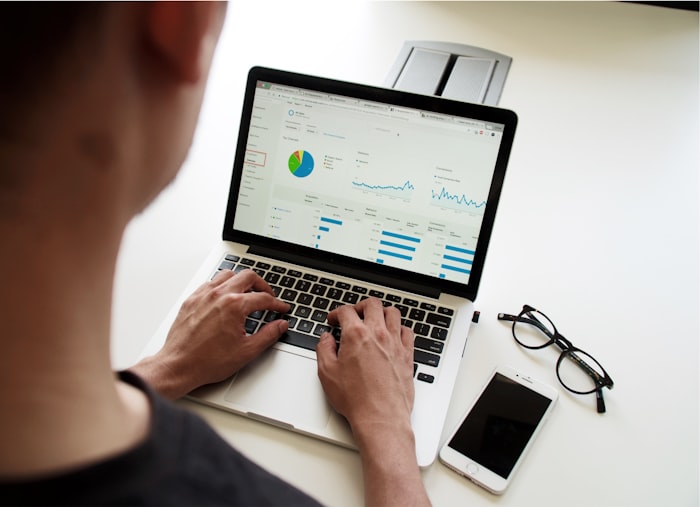
Printed reports and computer dashboard

"A weekly report can be sent by email every Monday morning, saved in the dashboard, and exported as a PDF for leadership or clients."

AI-generated summaries
Interactive dashboards
PDF reports
Email reports
Slack updates
Teams notifications
CSV exports
Excel exports
Client-facing reports
Executive summary pages
Admin analytics dashboards
Scheduled report archives
10AI insight

Reports That Explain the Numbers.

Most dashboards show numbers. AI reporting systems explain what the numbers mean — in plain language, with sources, and with a recommended next step.

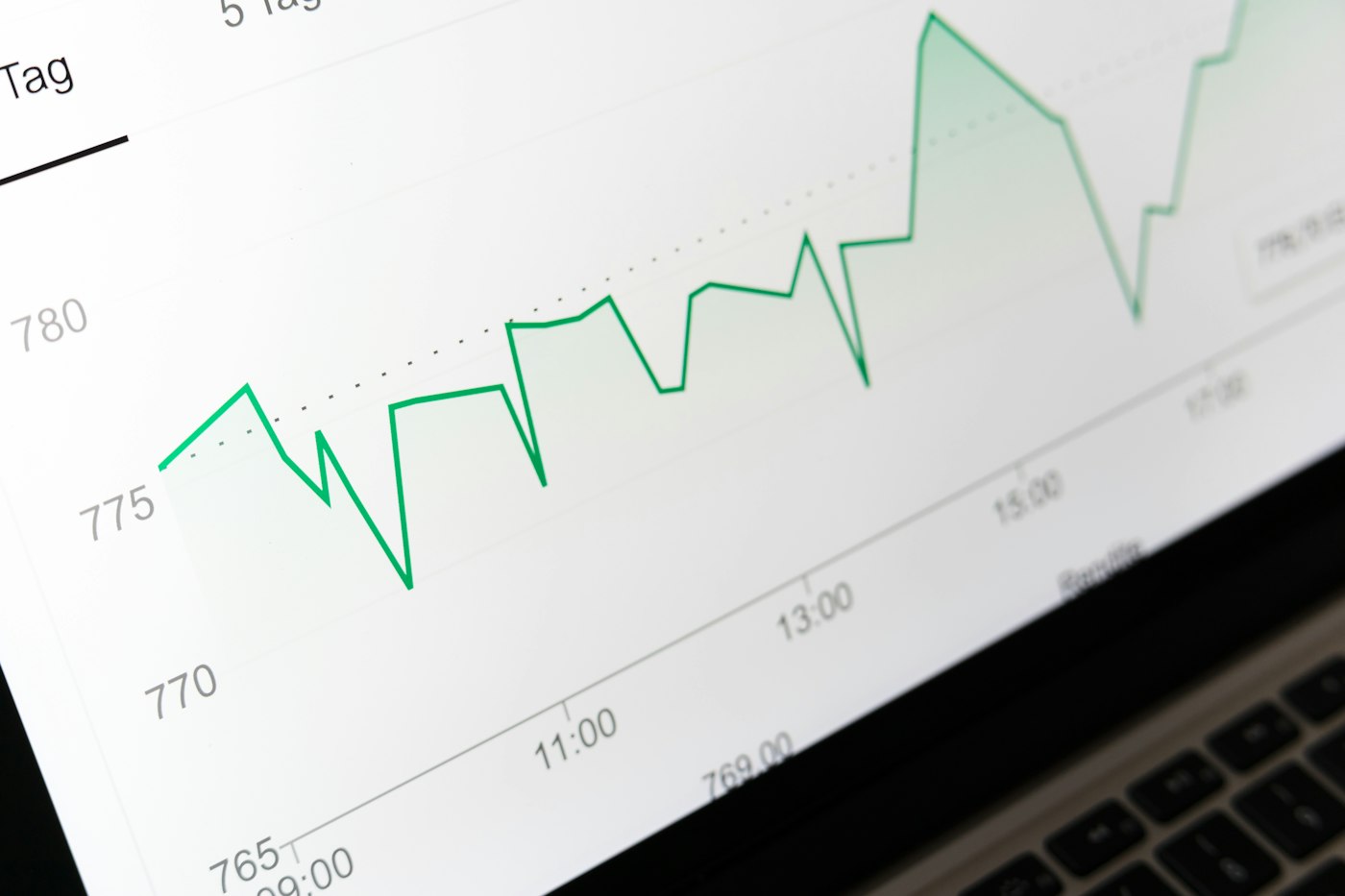
Charts being explained
AI output · sample

"Revenue increased by 12% this week, mostly from repeat customers. However, new customer acquisition slowed by 9%, which may indicate weaker top-of-funnel performance."

What changed
Why it may have changed
Which metrics need attention
What risks appeared
Which opportunities improved
What actions may be needed
Which anomalies need review
What questions to ask next
11Alerts

Automatic Alerts for Important Changes.

AI reporting systems can monitor business metrics and notify your team when something unusual or important happens — by email, Slack, or dashboard notification.

Revenue drop alert
Lead volume spike
Support ticket increase
Customer churn warning
Campaign performance drop
Inventory issue alert
Delayed project alert
Unusual transaction pattern
Missing data alert
Failed integration alert
Notification alerts dashboard
anomaly-watcher.live
3 active alerts
Key message

Your team should not discover problems days later. The system can notify you when the data changes.

12Admin dashboard

Admin Dashboard for Reporting Control.

Every reporting system ships with an admin panel — so a manager can change templates, schedules, recipients, or KPIs without filing a ticket.

Admin dashboard mockup
admin.console
operator
No engineer required

Templates, schedules, recipients, KPIs — all editable from one screen.

Connected data sources
Report templates
Scheduled reports
User permissions
Report recipients
AI summary settings
KPI definitions
Alert rules
Export history
Report history
Failed reports
Integration logs
Error monitoring
13Accuracy

Accurate Reports With Human Review Options.

Reviewing a report

"AI writes the first summary. Your team can review, approve, and improve the final report."— support decision-making, not unverified guesses.

Metric definitions
Source references
Data validation
Missing data warnings
Human review before sending
Report approval workflow
Confidence indicators
Change explanations
Audit history
Manual edits before delivery
14Security

Secure Reporting Access.

Business reports often include sensitive financial, customer, operational, or performance data. We design reporting systems with secure access and role-based permissions.

Security and locks
Compliance-ready

Encrypted at rest. Encrypted in transit. Every view logged. Every export traceable.

Secure login
Role-based access
Report-level permissions
Client-specific access
Private dashboards
Encrypted storage
Secure API connections
Audit logs
User activity tracking
Admin controls
Data access restrictions
15Deliverables

What You Receive.

01Reporting workflow analysis
02Data source audit
03Reporting system architecture
04Data pipeline setup
05Dashboard interface
06AI summary logic
07Metric calculation logic
08Report template design
09Scheduled report automation
10Email / Slack / Teams delivery
11Admin dashboard
12User roles and permissions
13Alert rules
14Export features
15API integrations
16Testing and QA
17Deployment
18Documentation
19Post-launch improvement plan
16Technology

Technology We Use.

We choose the architecture based on your data sources, reporting frequency, user roles, security needs, and business workflow.

Frontend
ReactNext.jsTypeScriptTailwind CSS
Backend
PythonFastAPINode.js
AI
OpenAIClaudeGeminiAI summarizationAnomaly explanationPrompt engineering
Data
PostgreSQLMongoDBRedisSupabaseData warehousesCSV / Excel pipelines
Dashboards
Custom dashboardsChart.jsRechartsMetabase-style reportingAdmin analytics UI
Integrations
HubSpotSalesforceStripeGoogle AnalyticsGoogle SheetsZendeskSlackMicrosoft TeamsCustom APIs
Automation
Scheduled jobsWebhooksn8nMakeZapierCustom workflow engines
Cloud
AWSVercelDockerCI/CD
Security
AuthenticationRBACEncrypted storageAudit logsSecure API design
17Demo

Example AI Reporting Demo.

Demo banner
Recommended demo

Weekly Sales Performance Report Generator.

Connects to CRM data, calculates weekly sales metrics, summarizes changes, highlights risks and opportunities, then sends a report to leadership every Monday morning.

01
Connect CRM Data
02
Collect Weekly Sales Activity
03
Calculate KPIs
04
AI Summarizes Key Changes
05
Generate Dashboard
06
Create Email Report
07
Optional Manager Review
08
Send Scheduled Report
18Industries

Who AI Reporting Systems Are For.

Startups

Startups

Track product usage, revenue, customer activity, onboarding, and investor metrics.

Agencies

Agencies

Automate client reporting, campaign summaries, project progress reports, and service performance updates.

Healthcare Teams

Healthcare Teams

Summarize operational activity, intake volume, staff workflow, internal reports, and secure process metrics.

FinTech Companies

FinTech Companies

Generate financial summaries, compliance-related reports, transaction insights, and client dashboards.

SaaS Companies

SaaS Companies

Track churn, activation, subscriptions, feature usage, support trends, and customer health.

Local Businesses

Local Businesses

Automate sales reports, booking reports, customer activity summaries, and weekly performance updates.

19Process

How We Build AI Reporting Systems.

Reporting Audit
Step 01

Reporting Audit

We review your current reports, data sources, spreadsheets, KPIs, recipients, and reporting schedule.
Data Source Mapping
Step 02

Data Source Mapping

We identify where the data lives and how it should be collected, cleaned, and combined.
Architecture Design
Step 03

Architecture Design

We design metrics, dashboards, summaries, report templates, permissions, and delivery workflows.
System Development
Step 04

System Development

We build the data pipeline, AI summary layer, dashboard, report generator, integrations, and admin tools.
Testing & Validation
Step 05

Testing & Validation

We test metrics, summaries, edge cases, missing data, report delivery, and user permissions.
Launch & Improve
Step 06

Launch & Improve

We deploy the system, monitor reports, improve summaries, add new metrics, and refine insights over time.
20FAQ

Frequently Asked Questions.

A system that collects data from your CRM, databases, APIs, spreadsheets, and support tools, then uses AI to summarize what happened, explain why metrics changed, detect anomalies, generate reports, and deliver them on a schedule by email, Slack, dashboard, or PDF.
Start your AI reporting project / 22

Ready to Automate
Your Business Reporting?

Tell us what reports your team creates manually today. We'll help you design an AI reporting system that collects data, explains changes, generates summaries, and delivers reports automatically.