Knowledge Upload
Upload PDFs, documents, text files, FAQs, and internal knowledge sources into the system.
ReimeiTech helps businesses launch RAG-powered knowledge assistants that search your documents, FAQs, websites, SOPs, and internal resources to provide accurate, source-backed answers.
Not "another generic chatbot." An AI layer over your real documents — answers come from your sources, with citations attached, and "I don't know" when the answer isn't there.
The RAG Knowledge Base Starter is a focused solution for launching an AI assistant that answers questions using your own business knowledge.
Instead of relying on a generic AI chatbot, the system retrieves relevant information from your approved documents, websites, FAQs, internal guides, manuals, or databases before generating an answer.
"What does this company do?"
"Based on my training data, ABC Corp appears to be a software firm. I cannot verify specific details about their refund policy or current pricing."
Generic. Vague. Often wrong. No way for users to verify the answer.
"What is our refund policy for annual subscriptions?"
"Annual subscriptions may be refunded within 14 days if usage threshold has not been exceeded. — Refund Policy.pdf p.4 · Customer Terms §4.2"
Specific. Source-backed. Verifiable. Says 'I don't know' when the answer isn't in your sources.
A RAG knowledge base makes your existing knowledge searchable, conversational, and easier to use — for employees, customers, support teams, and clients.

"The answer exists. Nobody can find it. That's why the question gets asked again next Tuesday."
Your knowledge doesn't need to be perfect before starting. We help organize, clean, structure, and prepare it for AI search.

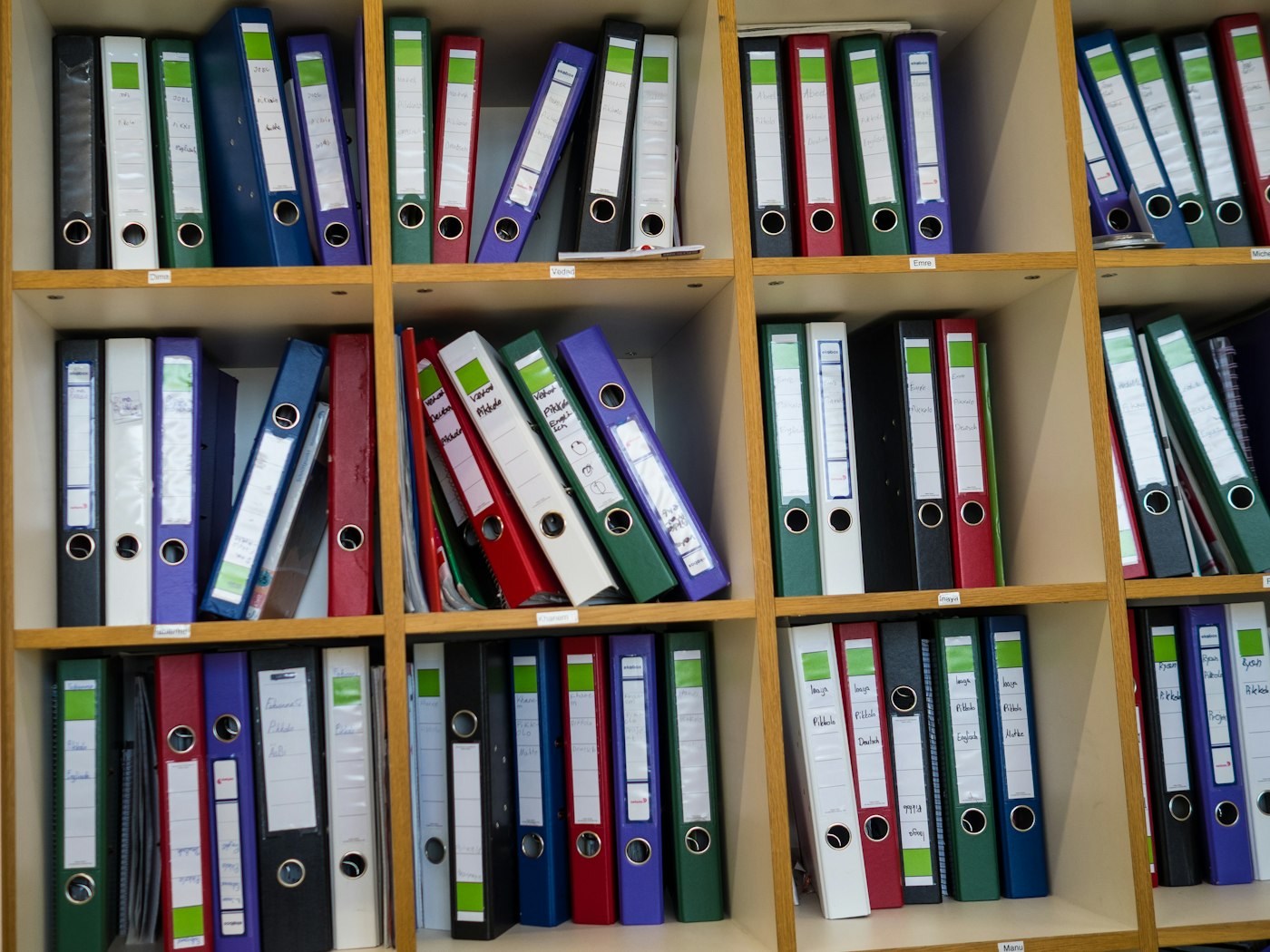
Whatever format your knowledge lives in — we bring it into one searchable assistant.
Upload PDFs, documents, text files, FAQs, and internal knowledge sources into the system.

Extract text, clean content, split documents into searchable sections, and prepare metadata.
Create searchable embeddings so the AI can retrieve the most relevant knowledge before answering.

A chat or search interface where users ask questions and receive answers from approved knowledge sources.

Answers include document references, source titles, page links, or excerpts so users know where the answer came from.

Manage documents, review questions, track weak answers, update sources, and monitor usage.

Control who can access the knowledge base, which sources are private, and what users are allowed to see.
Concrete, not vague. 20 building blocks that ship as the starter.
The starter ships first. These layer on as your knowledge platform grows.
RAG works by retrieving the right company knowledge first, then asking the AI to answer using that context.
"Retrieve first. Generate second. Cite always."
A useful AI knowledge assistant should not only give an answer. It should show where the answer came from.

"Source-backed answers build trust — and make the system safer to use."
"What is our refund policy for annual subscriptions?"
"Annual subscriptions may be refunded within 14 days if the account has not exceeded the usage threshold."

Employees ask questions from policies, SOPs, training materials, project documents, and internal guides.

Support teams and customers get answers from FAQs, help docs, troubleshooting guides, and product manuals.

Website visitors ask questions about services, pricing, process, support, or documentation.
Sales teams search product details, service information, case studies, pricing rules, and proposal notes.

Users ask questions from API docs, product manuals, implementation guides, and developer documentation.

Teams search policy documents, security procedures, compliance notes, and internal rules.

"Same knowledge. Same business. Replaced 'where is that document?' with 'here's the answer + the source.'"
The admin dashboard helps your team improve the knowledge base over time instead of treating it as a one-time chatbot.

Documents, gaps, weak answers, feedback — all editable from one screen.
Company knowledge often includes private documents, internal procedures, customer information, or sensitive business details. We design the starter with secure access and permission controls.
"Users should only receive answers from the knowledge they are allowed to access."
The starter gives you a working foundation. After launch, we can add deeper integrations, customer portals, Slack assistants, help desk automation, advanced permissions, and analytics.
| Stage | What it means | Best for |
|---|---|---|
| RAG Knowledge Base Starter | Upload documents, search knowledge, answer with sources, admin dashboard | Launching a practical first AI knowledge assistant |
| Full RAG Platform | Advanced permissions, integrations, workflows, analytics, portals, multi-team access | Scaling knowledge AI across teams or customers |

"You don't leave with a demo prompt. You leave with a working knowledge assistant connected to your real content."
Knowledge source review, architecture, and interface planning.
Document ingestion, extraction, chunking, and vector search setup.

AI answer layer, citations, admin dashboard, and permissions.

Testing, evaluation, deployment, and improvement roadmap.

Admin uploads policies, SOPs, and training docs. Employees ask questions and receive answers with source citations. Admins monitor unanswered questions and improve the knowledge base.

A productized starter ships a working AI assistant in 2–4 weeks — most clients see ROI from saved support hours alone.

"Create a reliable first knowledge assistant — that answers from approved sources and improves over time."
Tell us where your knowledge lives today — PDFs, websites, help docs, SOPs, Google Drive, Notion, internal databases. We'll help you turn it into a searchable AI knowledge assistant with source-backed answers.